Environments
Settings → Environments lists the organization's environments, with name, color and branch. The concept is in Environments and secrets.
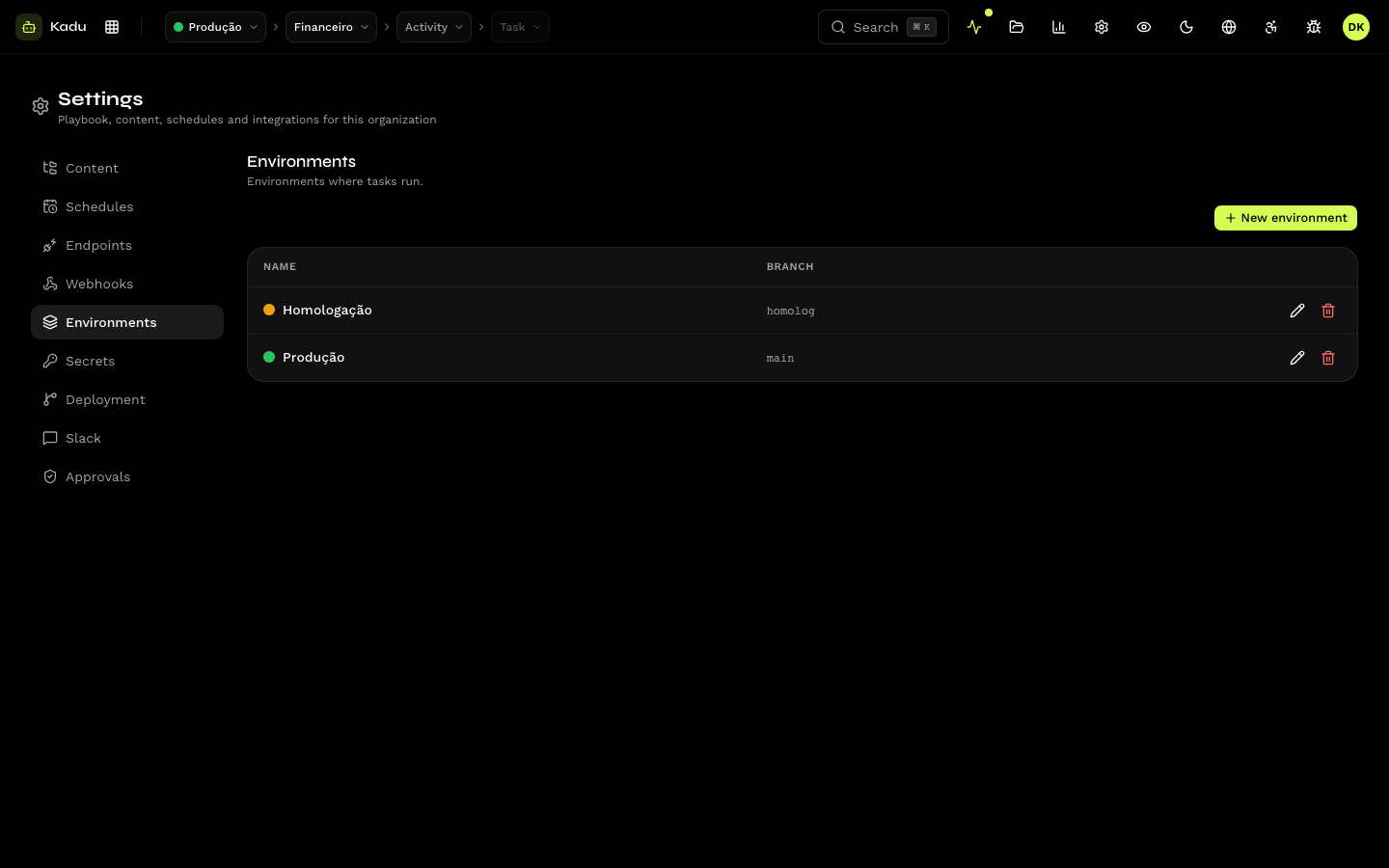
Create and edit
Click New environment and fill in:
| Field | Rule |
|---|---|
| Name | unique within the organization. Schedules and kadu.yaml find the environment by it. |
| Color | identifies the environment in the top bar. |
| Branch | the branch used by executions in this environment. |
Delete
An environment with secrets or schedules cannot be deleted. Remove them first.
Environments declared in the repository
When the repository's kadu.yaml declares an environment, the repository is
the source of truth:
- the declared color and branch revert to the file's value on the next push if they are edited here;
- an environment created by the repository disappears when it leaves the file (unless it still has secrets or schedules);
- an environment created here is never deleted by the repository, even if the file stops mentioning it.
See The kadu.yaml.
Through the API: /v1/environments.