Webhooks
A webhook sends a signed HTTP POST to your system when an event happens:
an execution finished, failed, created a pending item.
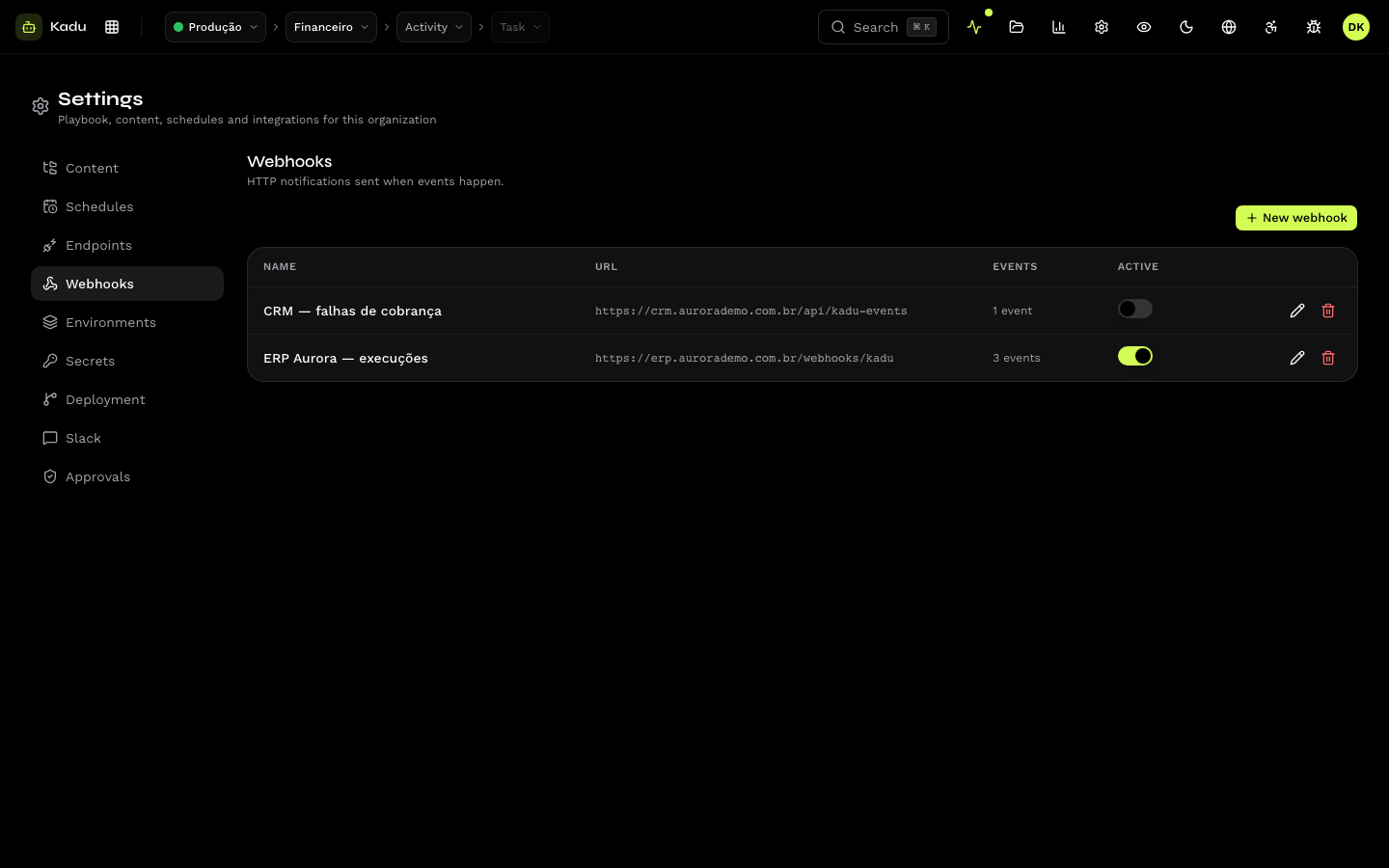
Create
In Settings → Webhooks, click New webhook:
| Field | Rule |
|---|---|
| Name | identifies the webhook. |
| URL | public https address. Private, loopback or http addresses are rejected. |
| Workspace | restricts to the events of one workspace. Blank: the whole organization. |
| Authentication | how the delivery authenticates to your system: Bearer token, Basic (user and password) or Custom header. |
| Subscribed events | the events that trigger the delivery. |
When you save, the console shows the webhook's signing secret only once. Copy and store it: your system uses it to verify the signature.
Events
| Event | When |
|---|---|
execution.created | an execution was created |
execution.queued | the execution joined the task's queue |
execution.started | the agent started |
execution.completed | finished successfully |
execution.failed | finished with a failure |
execution.cancelled | was cancelled |
todo.created, todo.resolved | a pending item was created or resolved |
organization.cost_limit_reached | the monthly cost cap was reached |
organization.entitlement_required | a schedule did not run for lack of a plan |
task.db.*, activity.db.*, workspace.db.*, execution.db.*, memory.db.* | the record was created, changed or removed (created, updated, deleted) |
Deactivation after failures
After 5 consecutive delivery failures, the webhook is deactivated and the people registered for notices receive an email. Fix the receiver and reactivate the webhook.
Receive and verify
The body format, the headers and signature verification are in
API webhooks. The delivery history and resend are in
the API (/v1/webhook_deliveries).
Webhooks declared in the repository
kadu.yaml can declare webhooks. A webhook created by the repository is born
without a credential and with a signing secret that nobody has seen: register
the credential here and generate a new signing secret through the API
(POST /v1/webhooks/{id}/rotate-secret). See The kadu.yaml.