Files
The Files screen gathers the files of all the organization's executions:
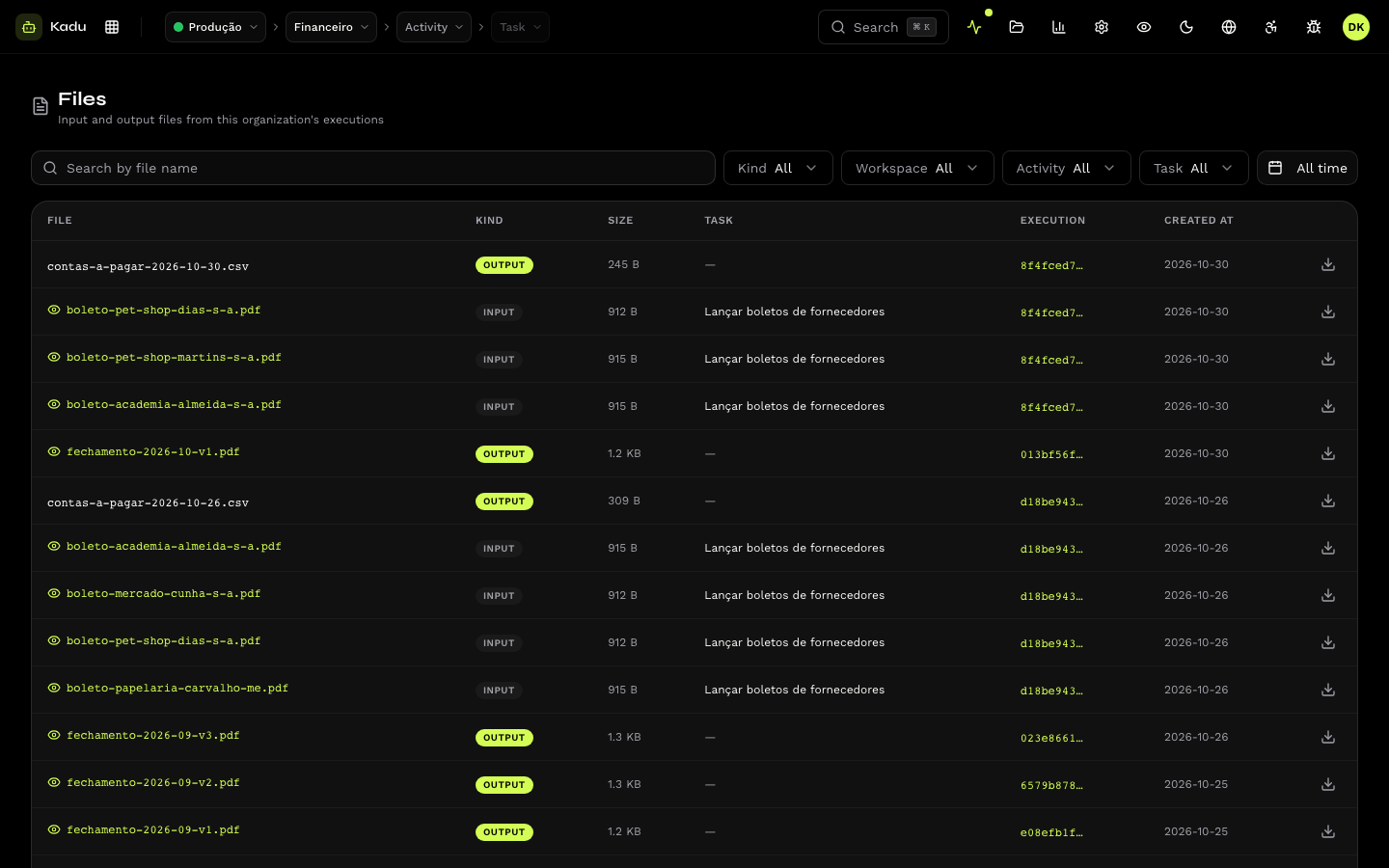
| Type | Where it comes from |
|---|---|
| Input | attached at run time, in the Run now modal, on tasks that accept files (up to 100 MB per file). The skill receives the path of each one. |
| Output | generated by the execution, on tasks that publish files. Reports, spreadsheets, PDFs. |
The list shows the name, type, size, task, execution and date, with search by name and filters by type and by period. Each file can be previewed in the console itself (text, images and PDF) or downloaded.
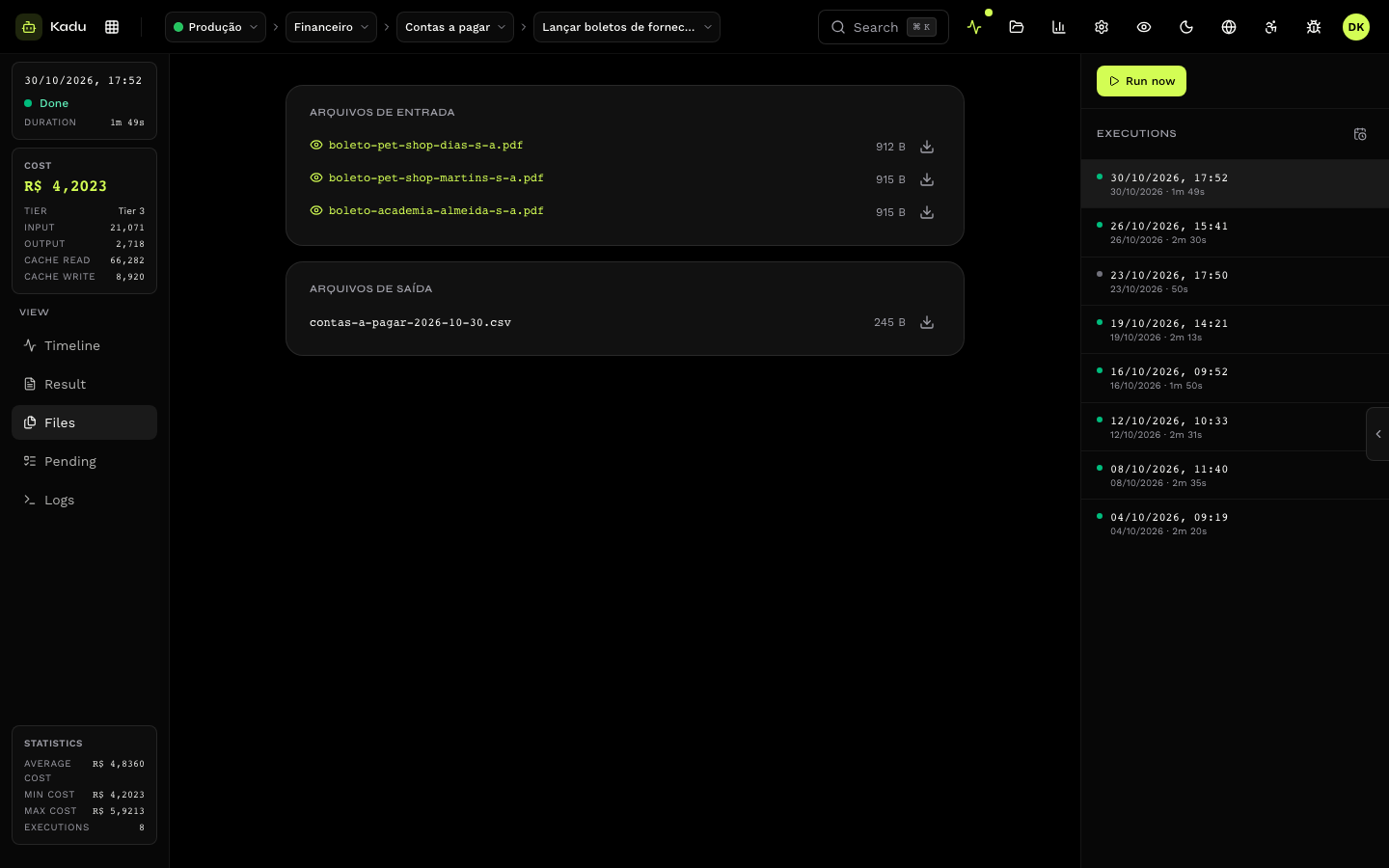
The same files appear in the Files tab of the execution that used or generated them.
Through the API
| Operation | Endpoint |
|---|---|
| List | GET /v1/files |
| Upload an input file | POST /v1/files (returns an upload URL) and, after the upload, POST /v1/files/{id}/confirm |
| Download | GET /v1/files/{id}/download (returns a temporary URL) |
See the reference in Files, in the API section.
note
The run endpoint accepts only JSON: a task triggered through it does not receive input files.