Pending items
A pending item is what the execution left for a person: a payment that did not match any account, a registration with a mismatched CNPJ, an invoice that was not found. Since nobody answers the agent during the execution, instead of stopping to ask, it records the pending item and moves on to the next one.
Where to see them
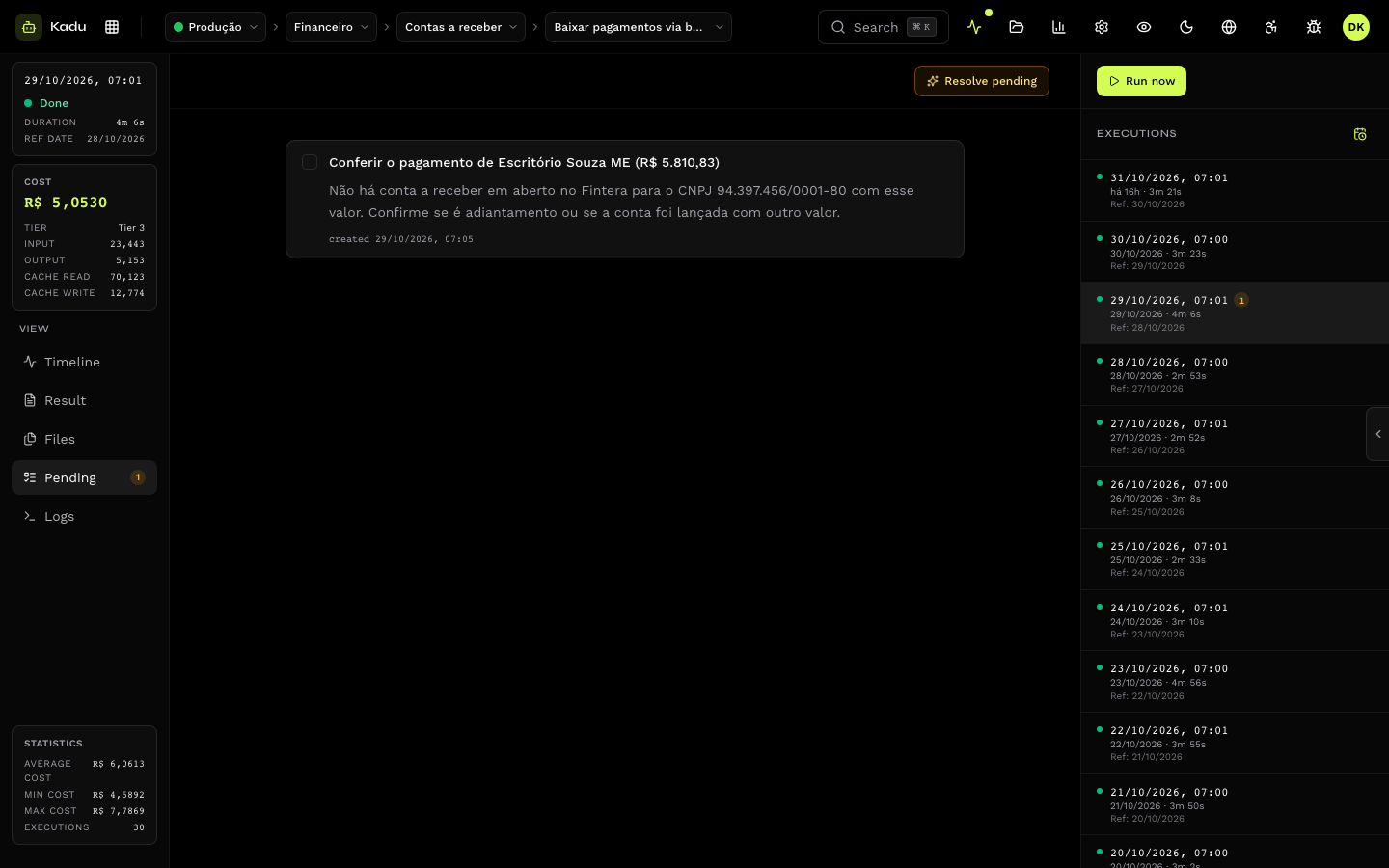
- In the Pending tab of each execution, with the description of the problem and the context the skill recorded.
- The execution header shows how many pending items are still unresolved.
- Through the API, at
GET /v1/executions/{id}/todos.
Resolve
After handling the problem in the source system, mark the pending item as done (mark as done). If it becomes valid again, mark as pending reopens it. Each pending item stores when it was created and when it was resolved.
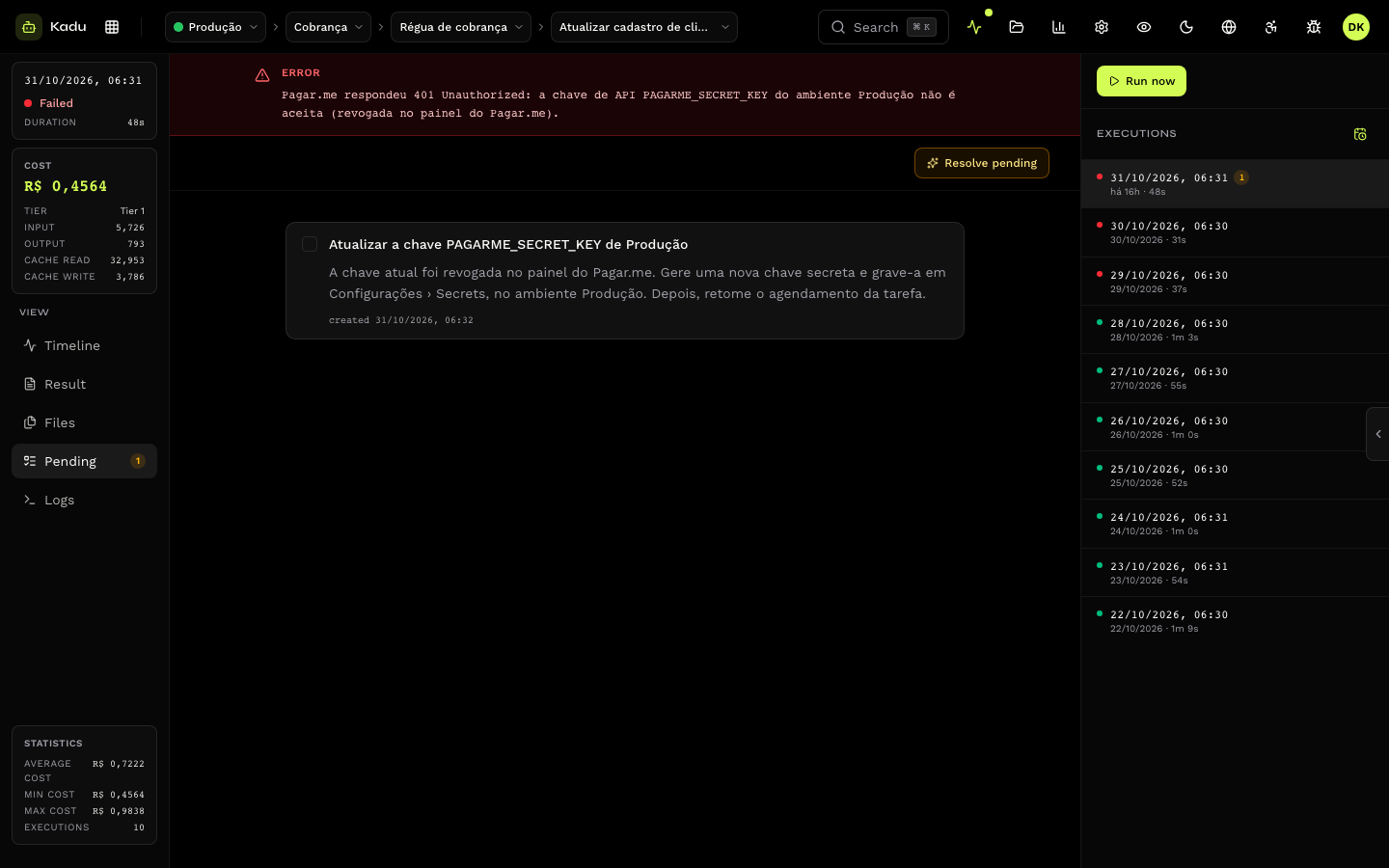
Through the API: PATCH /v1/todos/{id}.
Resolve pending
The Resolve pending button, in the Pending tab of an execution, triggers a special execution. The agent revisits the task's open pending items, checks in the systems whether the problem has already been resolved and closes the ones it can. Those that remain open stay as they were.
Use it after fixing a batch of records, for example, so you do not have to mark them one by one.