Getting started
This walkthrough takes an organization from first sign-in to its first execution.
1. Sign in to the Agent Console
Go to https://app.kadu.ia.br and sign in with your Kobana Account. If
you belong to more than one organization, choose which one to open; you can
switch later from the user menu, under Switch organization.

2. Connect the Playbook
Kadu's tasks live in your organization's Kadu Playbook, a git repository. While the organization has none, the console shows the Connect your Playbook card:
- Click Install GitHub App and choose, on GitHub, the repository that holds the skills. The App only asks for read access to the content of the repositories you choose.
- GitHub returns to the console, which confirms that the installation is
yours and links the repository to the organization. If the installation
gives access to more than one repository, the console asks you to choose
which one holds the Playbook (those with the Playbook catalog,
.claude-plugin/marketplace.json, are marked). - Kadu reads the repository and creates the workspaces, activities and tasks declared in it. From then on, each push to the default branch updates the console automatically.
If you do not have permission to install the App on the GitHub account, the installation becomes a request to the account owner. As soon as they approve it, the repository is connected.
Do not have a Playbook yet? The Kadu Playbook section explains how to set one up. Kobana can also create a starter Playbook with a demo task for your organization.
3. Check the plan
Running a task requires Kadu to be in the organization's plan with Kobana. Without it, the console shows the Subscribe bar and the run buttons are blocked. Everything else (registration, reading, settings) remains available. See Plan and costs.
4. Create an environment and register the secrets
Each execution runs in an environment (for example, Production and Sandbox), and the environment is where the secrets live: the tokens for the systems the tasks use.
- In Settings → Environments, create the environment (or check the ones the repository already declared).
- In Settings → Secrets, register the values. The screen marks as Pending every secret that a task requires and that has no value yet.
5. Run your first task
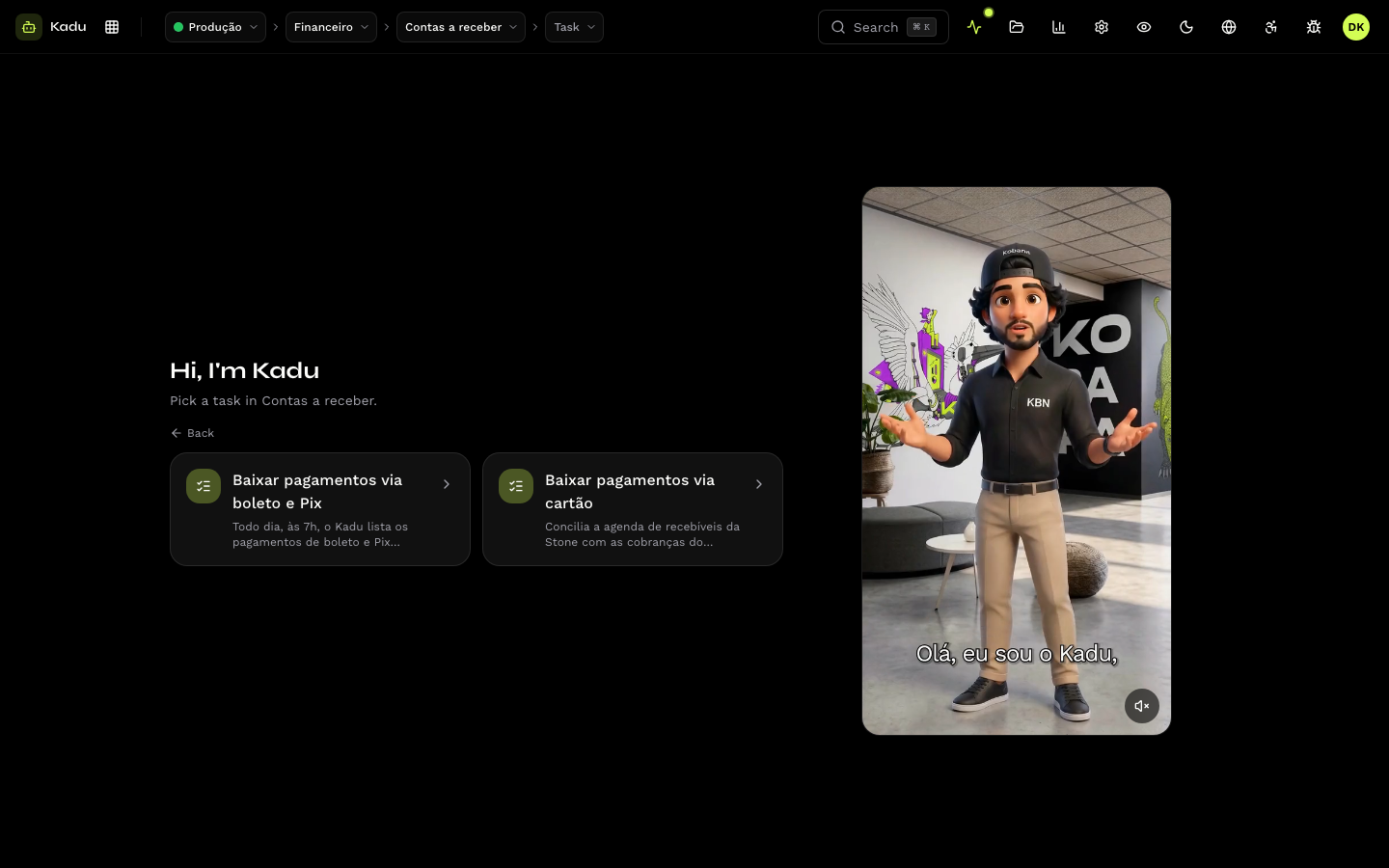
- In the top bar, choose the environment, the workspace, the activity and the task.
- Click Run now, check the reference date and the parameters, and confirm.
- Kadu starts working within 3 minutes. Follow the timeline, logs and pending items live on the execution screen.
See Run a task and Follow an execution.